
How to Reach U.S. Hulu from Thailand



Thailand has a very large population of long-stay foreign residents, and the version of this question asked in Bangkok is usually about an account that already works — until it doesn’t.
The service launched here as Disney+ Hotstar on 30 June 2021. On 9 October 2025 Disney dropped the Hotstar name in Thailand, Malaysia, Thailand and the Philippines and moved those markets onto plain Disney+ — Disney+ Hotstar rebrands to Disney+ in Malaysia, the Philippines, Thailand and Indonesia on 9 October 2025. Disney’s own wording was that subscribers could look forward to U.S., Korean and Japanese titles arriving on the Hulu tile.
There is exactly one country where you can buy Hulu, and it is the United States. Hulu’s own support pages say so without hedging. The catalogue behind that tile is licensed locally. It overlaps with U.S. Hulu in places and misses most of it.
This page is written for someone who wants to know what is true before spending anything. It separates the three things people run together — what Hulu sells, what your account is entitled to, and what your connection looks like from Hulu’s side — and it says where our part of it stops.
A residential U.S. IP is what USip sells. It is a network address, not a subscription to anything you want to watch. There is no Hulu included, no U.S. card provided and no account created on your behalf. Those stay yours to arrange.

From Disney+ Hotstar to Disney+: what actually changed

Hotstar was an Indian service Disney acquired with Fox. Using its brand across South and Southeast Asia made sense while the catalogues were shared; by 2025 they had diverged enough that Disney standardised on one name.
The rename on 9 October 2025 moved no rights at all. The catalogue in Thailand the morning after was the catalogue from the morning before, with different words on the tiles and a different logo above them.
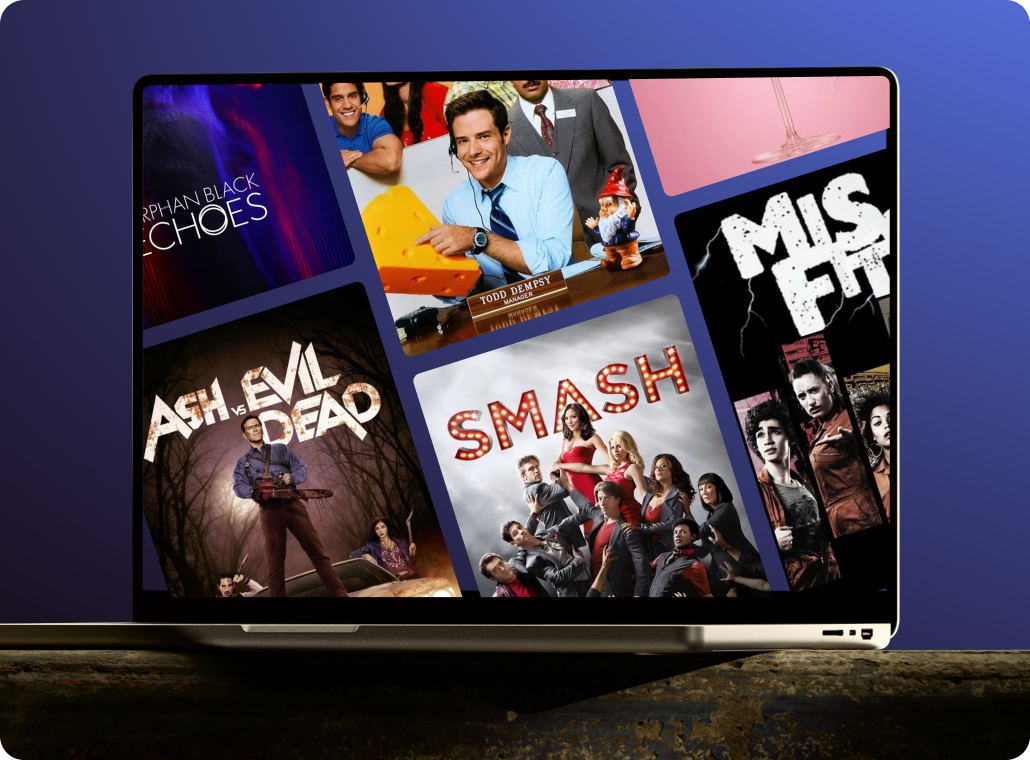
U.S. Hulu, meanwhile, is a wholly separate subscription with U.S.-only contracts behind it. Disney has said some American titles will appear on the local Hulu tile over time; that is a curation decision, not access to the U.S. library.
Hulu asks subscribers not to use tools that hide their location. That is Hulu’s rule and it is worth reading in full before you spend anything.

The connection layer, on its own terms
Address type is the variable people miss. A commercial hosting range and a residential line are both ‘in the U.S.’ and are not read the same way.
P-EDU101 is the code to recognise. It comes with the line about appearing to use an anonymous proxy tool, and it is a location verdict rather than a fault on your side. It is worth learning to recognise, because it is the one failure that a connection change can actually fix.
A residential U.S. IP is what USip sells. It is a network address, not a subscription to anything you want to watch. It is not a Hulu subscription, not a U.S. bank card, not a gift-card shop and not an account service. We do not cap throughput. In practice a normal Thai fibre or cable line has far more headroom than Hulu asks for, and the limiting factor is distance.
One clean run, start to finish
Use a private desktop browser for the first run. If it works there and fails elsewhere, you have learned which layer is at fault. Always connect before opening Hulu — not during, not after.
About ten minutes, in this order, from Thailand.
Bring the connection up before Hulu
Check what your plan actually includes
Check DNS and the clock
If a plain episode plays and one specific title does not, the location layer is fine and the problem is rights. That is worth knowing before you spend anything.
Day-to-day streaming from Thailand
A first successful test and a setup you can live with are not the same thing. These are the things that break the second one, in rough order of how often they come up.

Sort out the television last
Watch for the network changing under you
Write down what a good state looks like
Give the router change a full restart
Simple Pricing that You Love
- $9.99/month after a 3-day trial.
- No commitment.
- Plan automatically renews after the free trial until canceled.
- Pause and resume anytime.
- 14-Day 100% money back guarantee
- $39.00/semiannually after a 3-day trial.
- No commitment.
- Plan automatically renews after the free trial until canceled.
- Pause and resume anytime.
- 14-Day 100% money back guarantee
- $69.00/year after a 3-day free trial.
- No commitment.
- Plan automatically renews after the free trial until canceled.
- Pause and resume anytime.
- 14-Day 100% money back guarantee
The part a connection cannot fix
Three layers get run together in most write-ups on this subject: where you are, what account you hold, and how it is paid. They fail separately and they are fixed separately.
What Hulu accepts: U.S. credit and debit cards, PayPal, and its own gift cards. Nothing issued outside the United States. Buying a gift card does not sidestep anything: they are sold in U.S. shops and redeemed on a hulu.com page that reads where you are.
A U.S. account you are already paying for
Nothing here asks you to open anything new. Travel inside the U.S. is supported. Travel outside it is where the location checks start mattering, and Hulu says as much. The gap between a paid account and a playing video is the address, and that is the one part we supply.
Starting from scratch in Thailand
This is the harder case and worth being straight about. Note Hulu’s own caution: once the gift-card balance runs out the account cancels automatically unless a payment method is on file. A residential U.S. IP does not create an account, issue a card or change an app-store country.
USip changes where your connection appears to be. That is the whole of it — no account, no catalogue, no payment method. You still need your own Hulu account and your own U.S.-issued payment method — USip supplies neither, and does not sell gift cards.
Downloads: a plan feature with a location check
Everything in this section comes from Hulu’s own downloads documentation. None of it is country-specific — but all of it depends on the connection being right at the moment you save a title.
Storage refusals look like blocks
There is a device and title limit
Downloads are a plan feature first
Downloading needs the app, not the browser
Frequently Asked Questions
Can I watch Hulu in Thailand?
Is Hulu available in Thailand?
When did Disney+ launch in Thailand?
Why did Disney+ Hotstar change its name?
Does my U.S. Hulu subscription work while I am in Thailand?
Can I pay for Hulu with a Thai card?
Do I need a U.S. app-store account?
Do Hulu gift cards work from Thailand?
What does P-EDU101 mean?
What if it does not work for me?
Does USip include a Hulu subscription?
Is it legal to use a VPN in Thailand?
