Abbott Elementary
The local Disney+ page lists 5 seasons. Hulu’s US guide lists season 6.
Many Hulu shows are on Disney+ in Indonesia. For Hulu’s US service, you need an eligible Hulu account and a US connection. Hulu can recognise some VPN addresses as data-centre addresses and stop the video.
On a phone or computer, USip connects through US home broadband and gives you a residential US IP address. For a compatible TV or streaming device, use USip Smart DNS.
At hulu.com/welcome, choose Sign up for only Hulu for a subscription without Disney+. See the signup and payment steps for billing. If your Hulu plan is active, log in with MyDisney and press Play on the episode you want.
Updated · USip Editorial
Start with Disney+ Indonesia, especially if you used the app when it was called Disney+ Hotstar. For example, Disney's Indonesian site features High Potential. If you need Hulu's separate American plan, read its US viewing rules.
Disney+ Indonesia lists five seasons of Abbott Elementary in our comparison. The US press guide covers season six. For The Bear, the Indonesian listing and the American guide both showed season five.
Search for High Potential in the current Disney+ app. If Telkomsel supplied your subscription, check the phone number or account on your original offer.
Disney+ Indonesia. Search for the title and open the season you want. Check that the episode is included in the plan you’re buying.
This comparison covers one series. The US guide names a particular season. Listings checked 8 November 2026.
The local Disney+ page lists 5 seasons. Hulu’s US guide lists season 6.
The local Disney+ page lists 5 seasons. Hulu’s US guide lists season 5.
For Hulu on a laptop or desktop, open your profile in OpenVPN Connect and turn USip on. Use a browser supported by Hulu to sign in to the American service.
Look for “Hulu” in your phone's store if you want the American app. Disney+ is the current name of the local app. For Hulu, turn USip on in OpenVPN Connect before opening the player.
Get the public IP for the home internet line your TV uses and register it with USip. Enter the Smart DNS settings on the supported TV or its router. Then launch Hulu.
Check Hulu’s plan prices before paying for streaming. The USip plans cover your device connection. Check the biller too if you already pay Telkomsel for Disney+.
Before buying Disney+ again, open your Telkomsel account or your last Disney+ receipt. USip covers the connection. Telkomsel or Disney+ handles your local subscription.
For a partner-billed Hulu plan, ask the company on the bill whether the account can use a gift card.
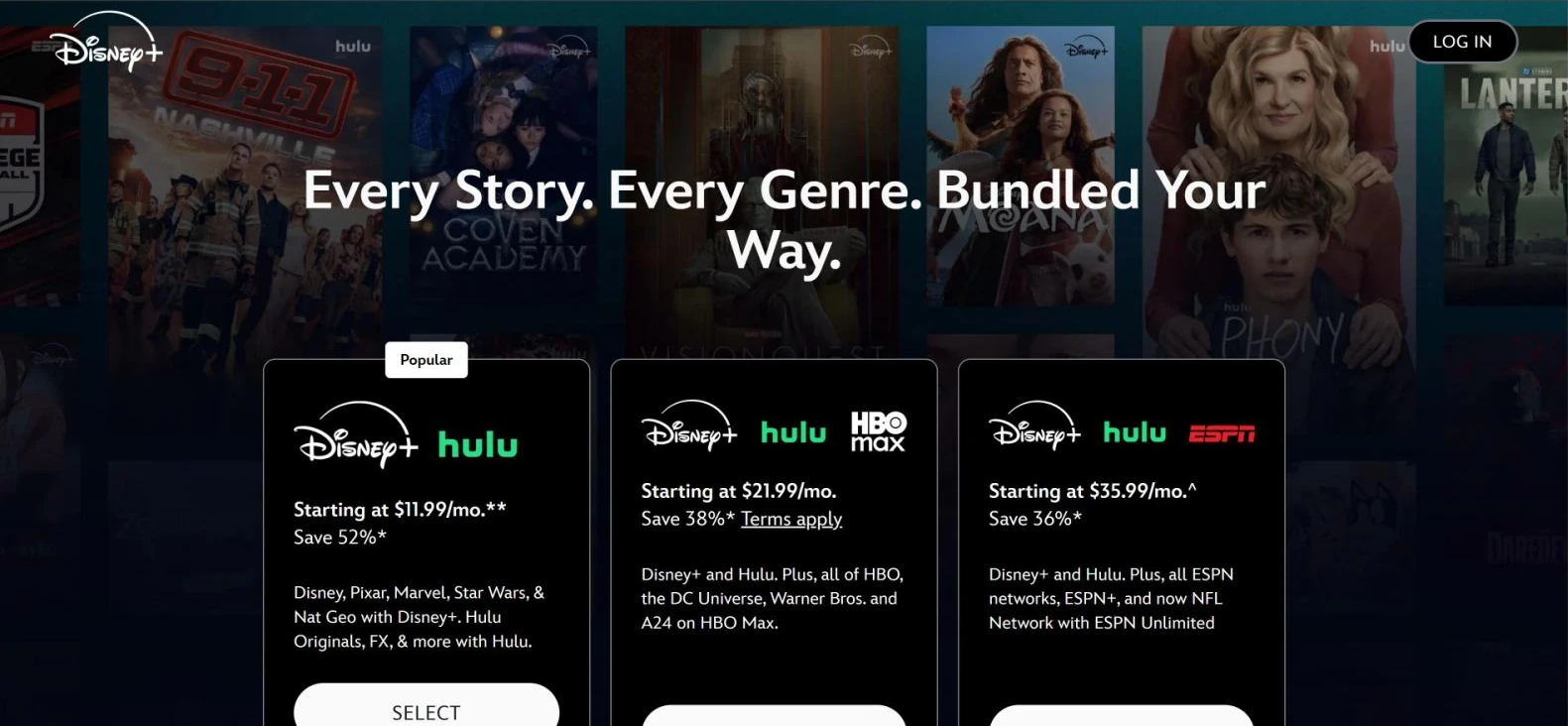
Were you trying to get Hulu alone? Go back to hulu.com/welcome and choose Sign up for only Hulu below the offers. You can also use Hulu’s plan picker to find Hulu under Base Plans.
For an eligible subscription paid directly with a BCA Mastercard debit card, open Akun Saya → Kontrol in BCA mobile and check Transaksi Debit Online. BCA also asks you to select the active mobile number that will receive verification codes for merchants using 3-D Secure. If you purchased a Disney+ package in MyTelkomsel, use the Disney+ package area in that app to identify your purchase before changing your debit-card settings. BCA’s debit-card instructions · Telkomsel’s Disney+ package guide.
Episode won’t play? Note whether you opened the Disney+ or Hulu app, the show name and the error. Find help for Hulu playback.
On 13 October 2026, viewers in Poland and Luxembourg played Hulu on iPhones with USip profiles in OpenVPN Connect. These are the two published sessions shown here. We have no published Indonesian session.
Hulu with ads has two listed prices, US$12.49 a month and US$124.99 for a full year. Premium is US$21.49 a month. Read the final price at checkout, including any tax or offer.
Hulu plans and prices · Checked 8 November 2026.
USip offers monthly, six-month and annual plans. Look at the full bill after the three-day trial, especially if the plan shows an average price per month.
REAL US HOME BROADBAND
Choose your billing period. US$0 due today.
MONTHLY BILLING
US$15.99US$9.99 / month
Billed monthly after your trial
Then US$9.99 every month
SIX-MONTH BILLING
US$6.50 / month
Monthly equivalent
Then US$39 every 6 months
LOWEST MONTHLY RATE
US$5.75 / month
Monthly equivalent
Then US$69 every year
Included in every plan
US$0 due today. Payment method required. After your trial, your selected plan renews automatically at the price and billing interval shown until canceled. Cancel before the trial ends to avoid the first charge.
All prices in USD. Streaming subscriptions sold separately. 14-day refund policy
One residential U.S. IP — a consumer address on a U.S. ISP, not the “VPN or VPS” ranges Hulu’s help page names. USip and Hulu are separate services: the plans include the connection only — not a Hulu subscription, account, app-store region, home network or rights to a title.
Separate services: these prices are for the USip VPN Residential U.S. IP service only. A Hulu subscription, a Hulu account and access to any particular title are not included.
Want Hulu on its own? Select Sign up for only Hulu on hulu.com/welcome. If your account already has Hulu, log in directly to use it.
Check whether the declined charge is from Hulu or your Indonesian provider. Hulu needs a US-issued card and matching billing ZIP for its direct card option. See Hulu's card rules.
If Disney+ plays and Hulu shows a proxy message, check USip on the device playing Hulu. For a TV, confirm the registered home IP. Share the exact message and model with USip Support.
Check the season as well as the title. Abbott Elementary is one example where the US guide and the Indonesian listing show different seasons.
If you want to stop both bills, cancel Hulu with its billing provider and cancel the connection in USip. Check each confirmation for the end date.
For TV playback, open the correct app and check the model supports it. Register your current IP with USip for Smart DNS. If the TV's internet stops working, restore the earlier DNS settings. Open the Smart DNS guide.
An active on-demand plan or a working episode does not confirm access to live channels. Live TV checks your home network in the US. Check Hulu’s Home network rules.
Search the current Disney+ app. If you had a Telkomsel offer, use the phone number or account linked to that subscription.
Visit hulu.com/welcome. Below the bundle offers, choose Sign up for only Hulu. Have your MyDisney email and an eligible payment method ready.
Telkomsel or Disney+ handles the local subscription. The USip trial and plan pay only for your connection.
Hulu + Live TV makes separate US Home network checks. An on-demand episode cannot tell you whether live channels will work. Hulu’s Home network rules.
If you used Disney+ Hotstar, check Disney+ Indonesia for your season now. For a new Hulu account, follow signup and payment. Already paying for Hulu? Connect your phone, computer or supported TV.
3-day USip trial · Hulu sold separately